Create a Run or Open a Run
2/12/2026
Arrangement AI
17 views
A run is a single execution of the AI optimization process that generates planogram outputs based on defined optimization settings and constraints.
- Open your planogram in Planogram Builder.
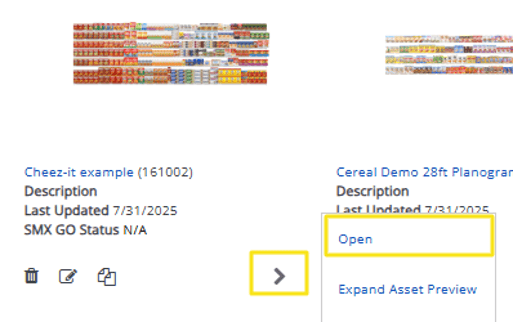
- Go to Project Panel > Arrangement AI and click the button.

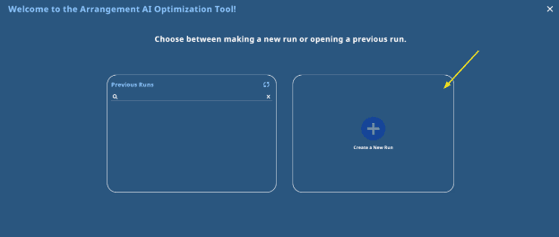
- Select Create a New Run.
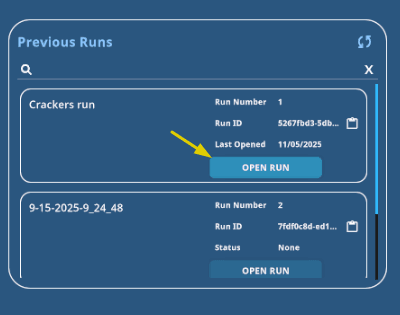
- To reopen a past run, choose it from the Previous Runs list.
Note: If you make a copy of the POG, runs will not copy with it.